

Hey folks, I’m enabling this subscriber chat - mostly as an experiment. I’m curious if people use it and can get value out of it. Maybe there are areas of mutual interest where people can discuss ideas, exiting and building, progress on your homesteading journey, etc.
I’ll start. Today I got 6 quart jars of pickles put away from today’s harvest, 5 cucumber jars and 1 tomato jar. I’m fermenting them in salt and not using vinegar. I like the flavor more and there are probiotics in there (unlike most shelf-stable store-bought pickles). Plus it’s organic because I know exactly what got sprayed on them (nothing).
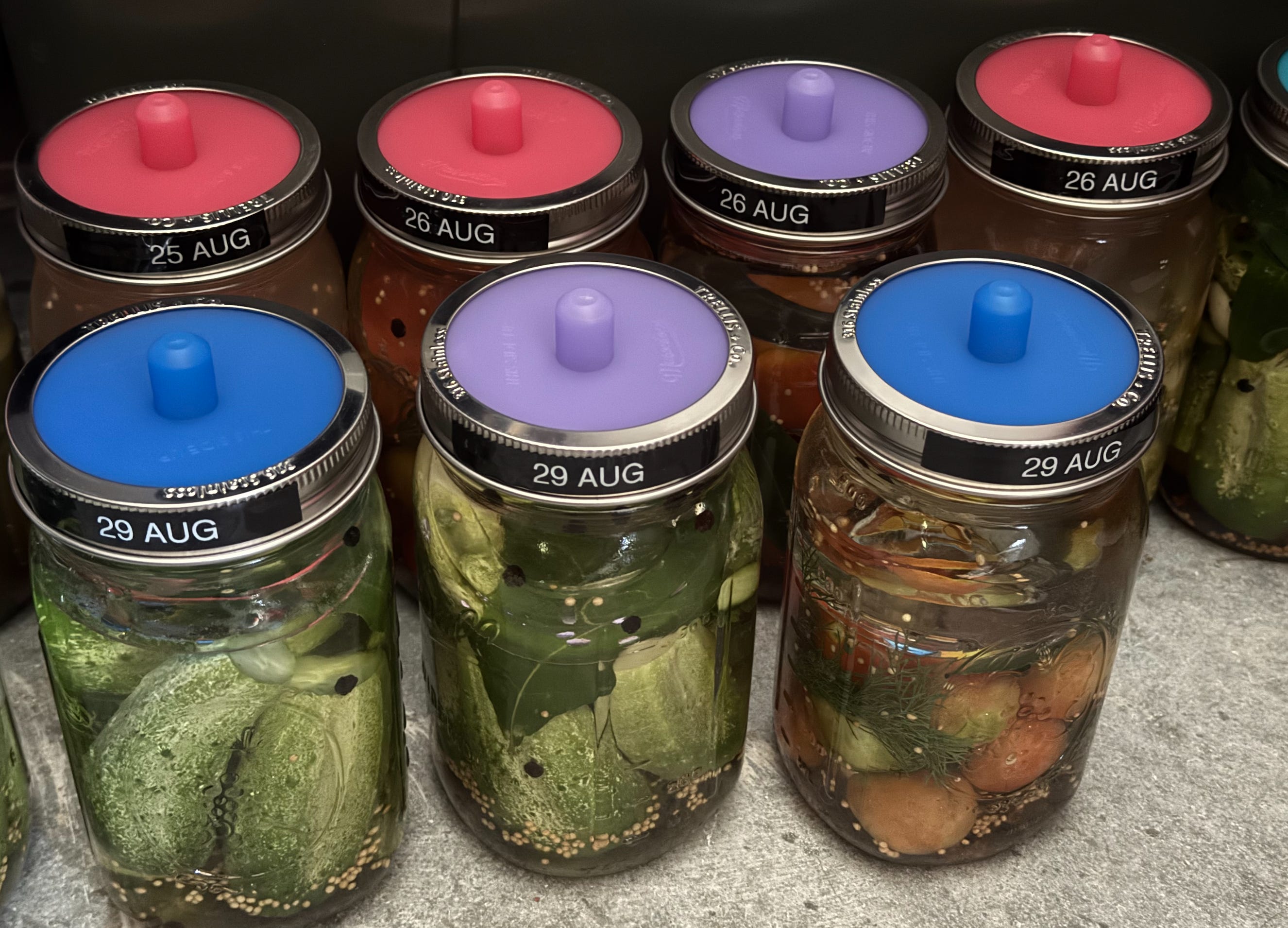
I had to kill one of my cucumber plants the other day because it was getting really sick with some kind of disease, and I didn’t want it spreading on nearby plants. It worked - seems like the disease didn’t jump. I planted too many cucumber and tomato plants anyway (kind of on purpose) so this allows me to cull them when they become problematic instead of resorting to chemicals.
In other news, I’ve been working on my side-project websites more. Lookout Map is getting a new bug out route feature - you can select an address and the map calculates routes in different directions, primary, secondary, etc. and highlights problematic areas like bridges or dead-ends. The idea is that people will be able to quickly plan evacuation routes and download a printable pdf with turn-by-turn directions.
I’m also working on a site that will document and guide folks towards building their own home servers. I built mine a couple of years ago and it’s been working out very well. I have almost 15 TB of data on it: thousands of books, survival guides, Wikipedia, all of the Stack Exchange websites, Khan academy, a media collection of 300+ movies and dozens of TV shows, and much more. I realized having offline capability like that is a pretty big deal both for resilience and overcoming censorship (you download the thing before it gets disappeared off the internet).
And with modern LLMs, you can run your own AI offline (complete privacy) and give it access to your offline resources. Imagine asking any question and having your offline archive of books, encyclopedias, videos (transcribed with subtitles!) all be searchable.
Anyway, at some point this guide will be ready and I’ll announce it properly :)
Below is Substack’s tutorial for how to use this chat, I’m leaving it in since it might be useful to people.
How to get started
Get the Substack app by clicking this link or the button below. New chat threads won’t be sent sent via email, so turn on push notifications so you don’t miss conversation as it happens. You can also access chat on the web.
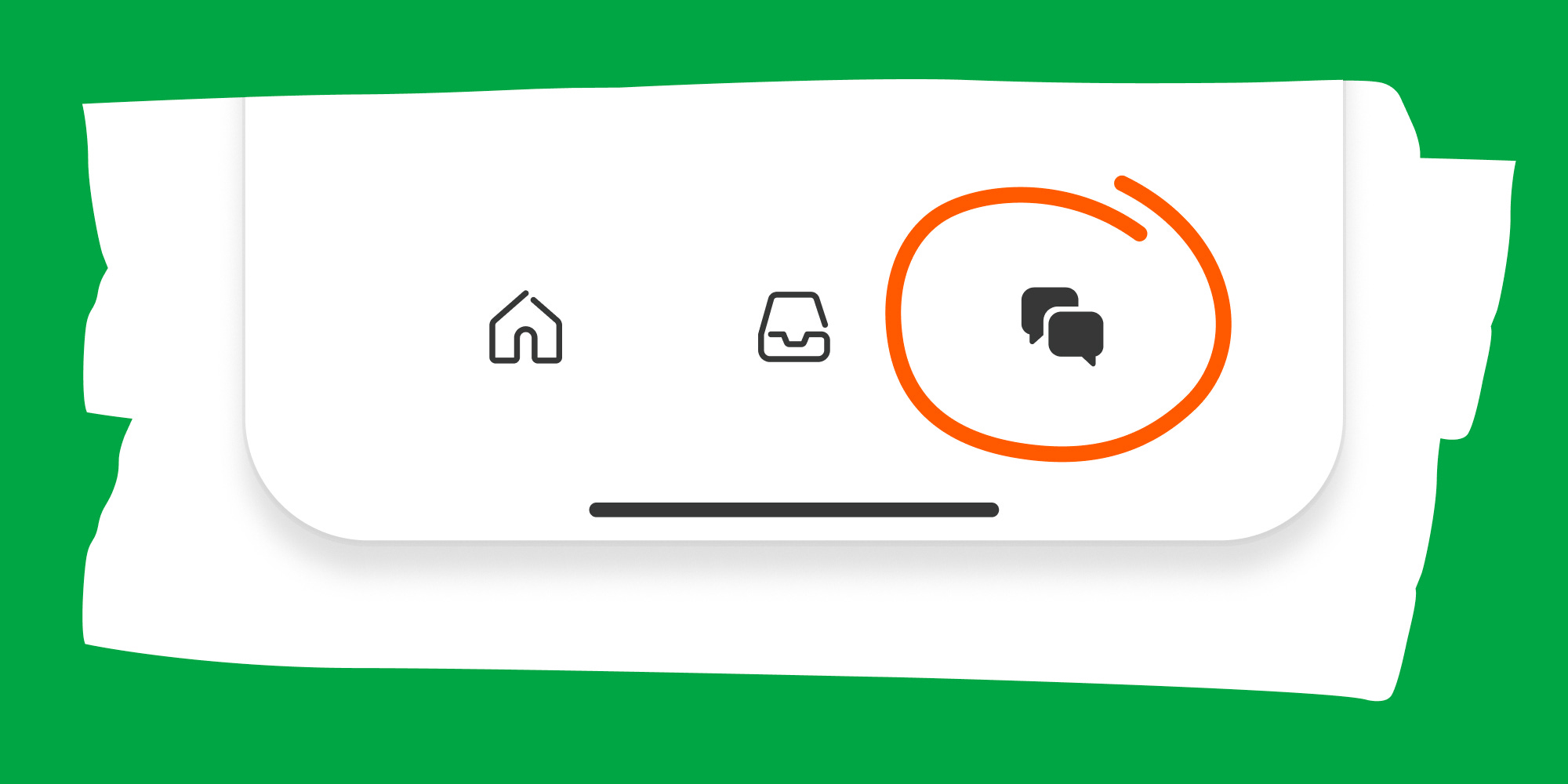
Open the app and tap the Chat icon. It looks like two bubbles in the bottom bar, and you’ll see a row for my chat inside.
That’s it! Jump into my thread to say hi, and if you have any issues, check out Substack’s FAQ.